 HackingPassion.com
Wildcards Understanding and Using for Hacking
Ethical Hacking Complete Course Zero to Expert
Hack like black hat hackers. Penetration testing, Kali Linux, WiFi and web hacking, and the hacker mindset behind it.
→ Take the full courseWildcards, I would like to highlight the use of Wildcards, because they are incredibly important, especially for “hacking-related and some programming” stuff. In this article I will cover one interesting old-school Unix hacking technique. It still works in 2026, but not with the same patterns I wrote down in 2020. I ran the commands again on a machine from 2026 before putting this back up.
In real-world attacks, arbitrary shell options and or arguments could be hidden among regular files, and not so easily spotted by the administrator. Same in case of cron jobs, shell scripts or web applications that calls shell commands.
Since for many people this would be an Abracadabra article, I would try to keep it as simple as possible with the help of some examples. “Jip and Janneke” language. (The latter is a Dutch pronunciation), which means to explain it as simple as possible so that “almost” everyone understands it.

This article has been on the shelf for a while, actually for almost half a year, as you might see from the date on the pictures. The reason for this is because I find it quite difficult to write about this. I sincerely hope that this article is helpful.
How can I use the wildcards?
Use your imagination……
Have some wildcards fun
Do you know you’re have a secret weapon in your pocket, it’s called “wildcard”.
/???/?at /e??/??ss?? With this command, I can read your password file 😃

Some Shell Wildcards
? The question mark matches any single character. * An asterisk matches any number of characters in a filename, including none. [ ] Brackets enclose a set of characters, any one of which may match a single character at that position. - A hyphen used within [ ] denotes a range of characters. ~ A tilde at the beginning of a word expands to the name of your home directory. If you append another user’s login name to the character, it refers to that user’s home directory.
Basic example of wildcards usage
List all files with the Python extension
| |
Delete all Python files “rm = remove”
(Warning, if you are using this command, do it on a test machine, or make sure you know what you are doing).
| |
List all files whose name is beginning with string ’test’ and has exactly one additional character
| |
If you look at these examples above, I don’t think I need to explain to you what options you can use with this as well. Use your imagination.
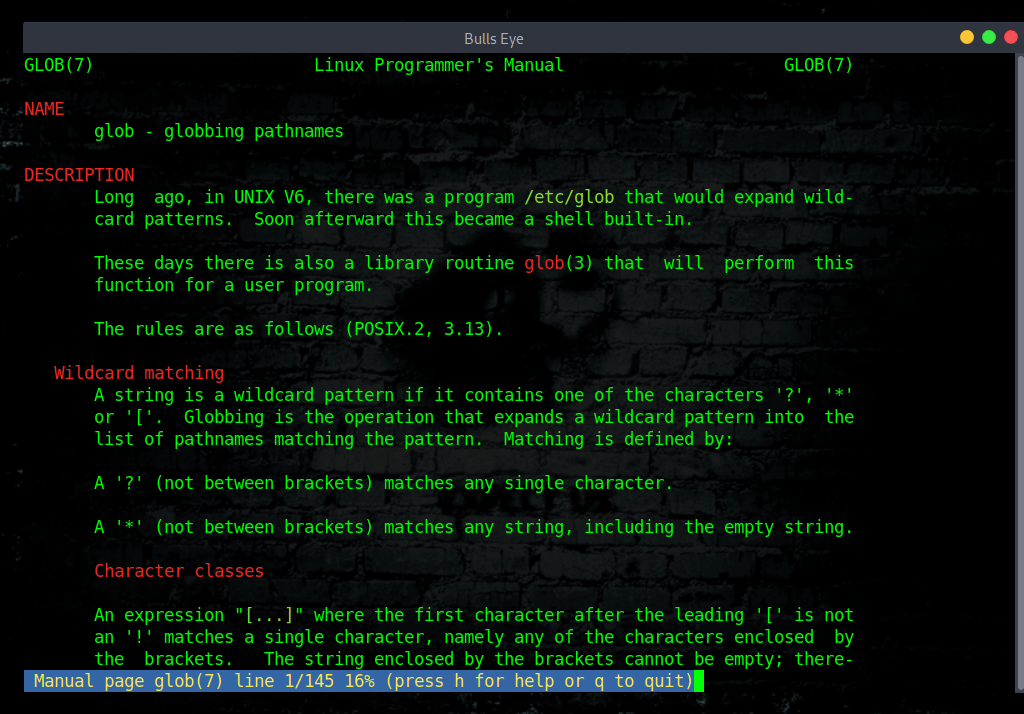
Information on wildcards
There are lots of bash syntaxes that makes you be able to execute system commands just using the forward-slash “/”, the question mark “?”, numbers, and letters. You can even enumerate files and get their content.
Wildcards: For information on wildcards is the follow command
| |
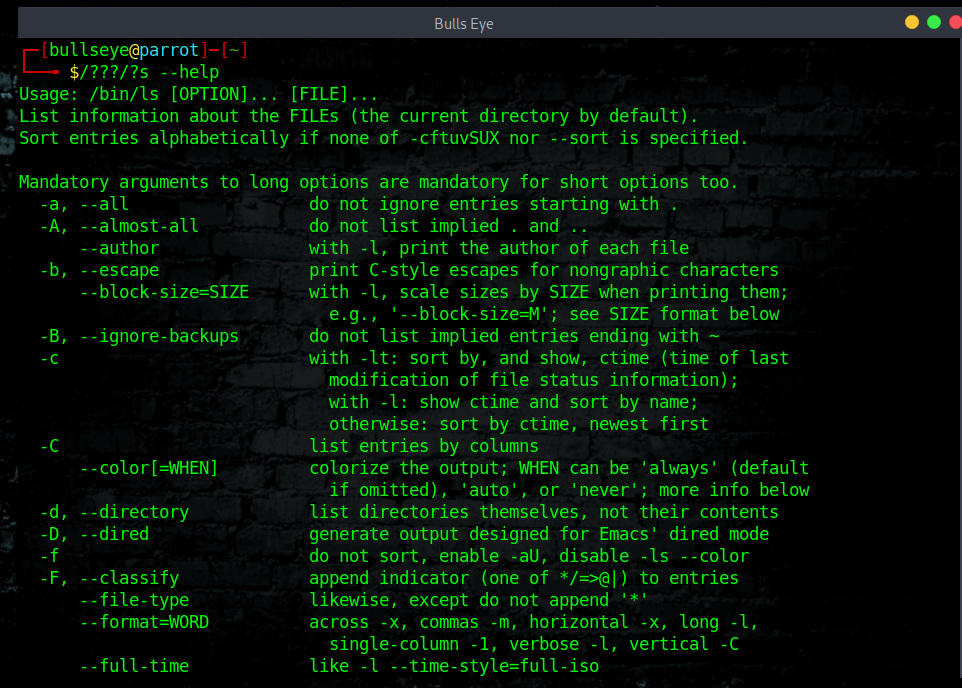
Instead of executing the ls command, you can use the following:
In 2020 this worked with /???/?s, one single letter given away. On a machine from 2026 that same pattern matches nine paths and /bin/as, the GNU assembler, comes first alphabetically. So you get the assembler instead of ls. You now have to give up one letter more.
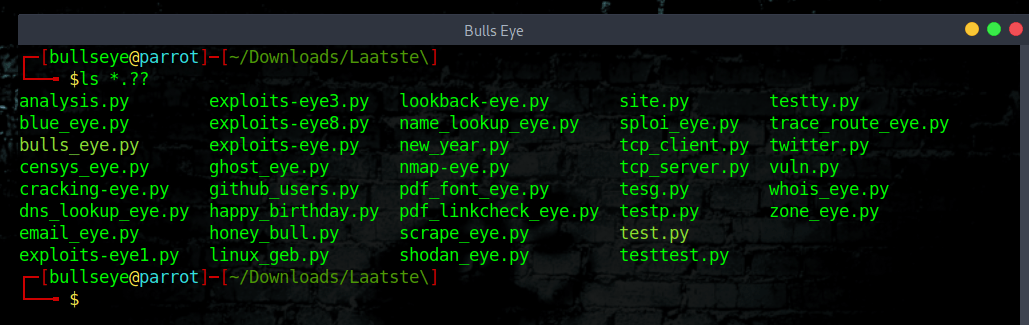
The question mark wildcard represents only one character which can be any character. This in case you know a part of a filename but not one letter, then you could use this wildcard.
For example ls *.?? would list all files in the directory that have an extension of 2 characters in length.
So files with the extensions like .py would be listed.
For example ls *.??? would list all files in the directory that have an extension of 3 characters in length.
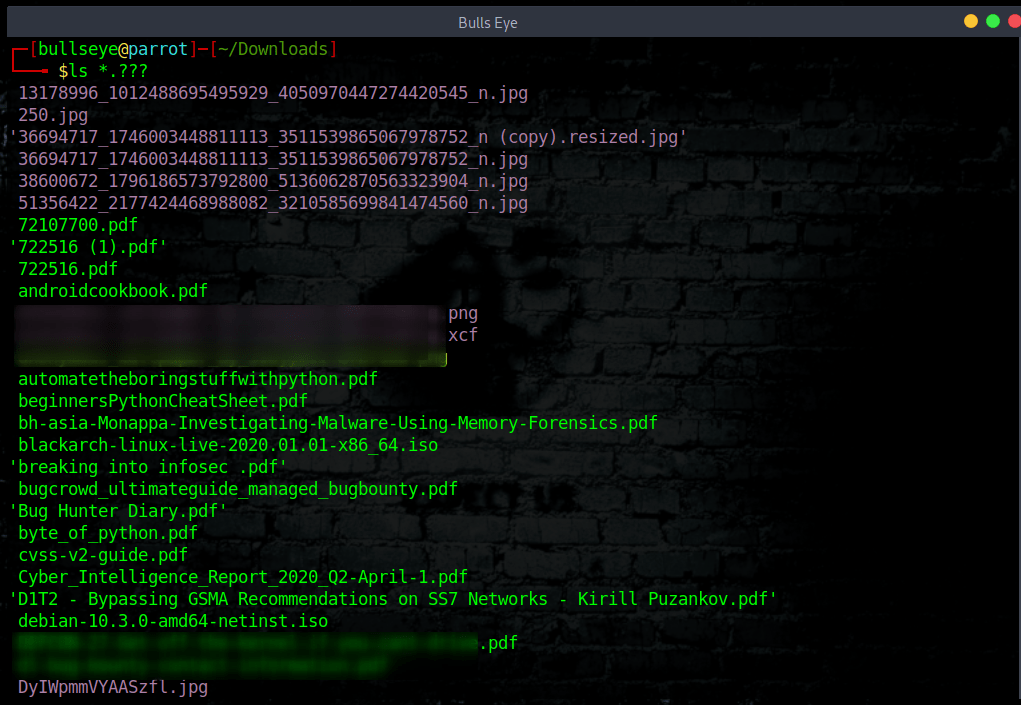
Thus files having extensions such as .png , .pdf , .txt would be listed.
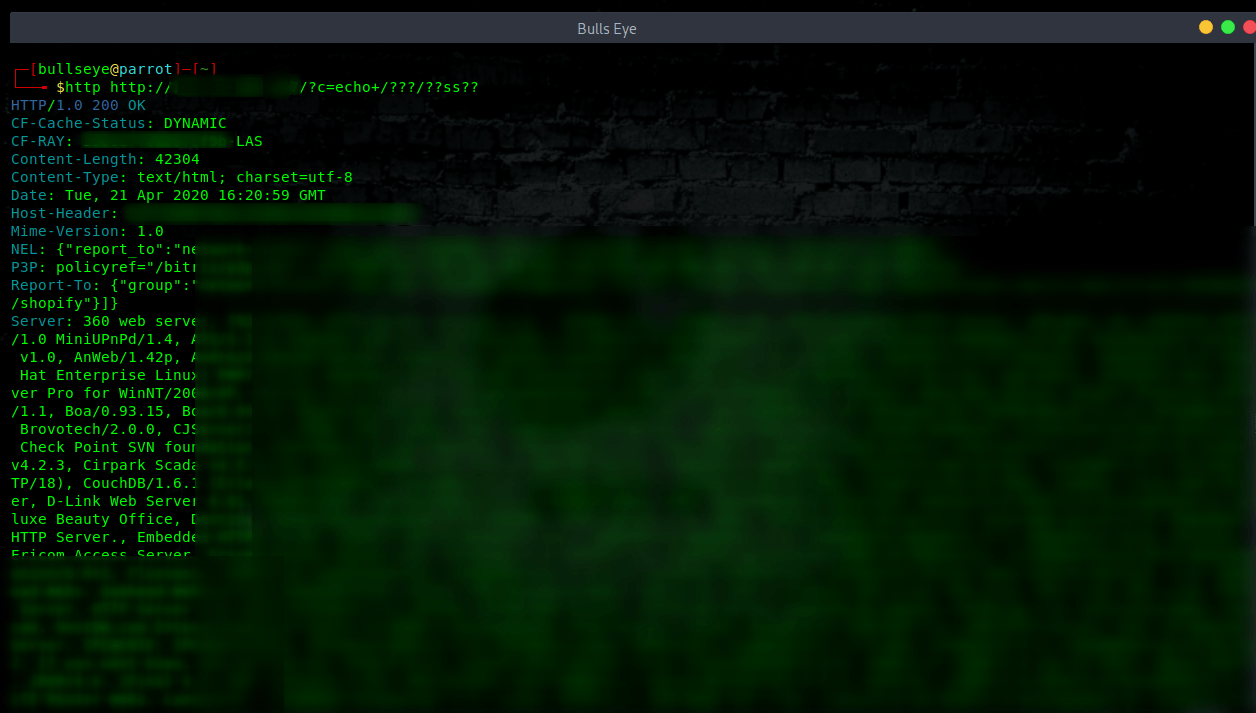
Wildcards /???/?at /e??/??ss??
Read your password file
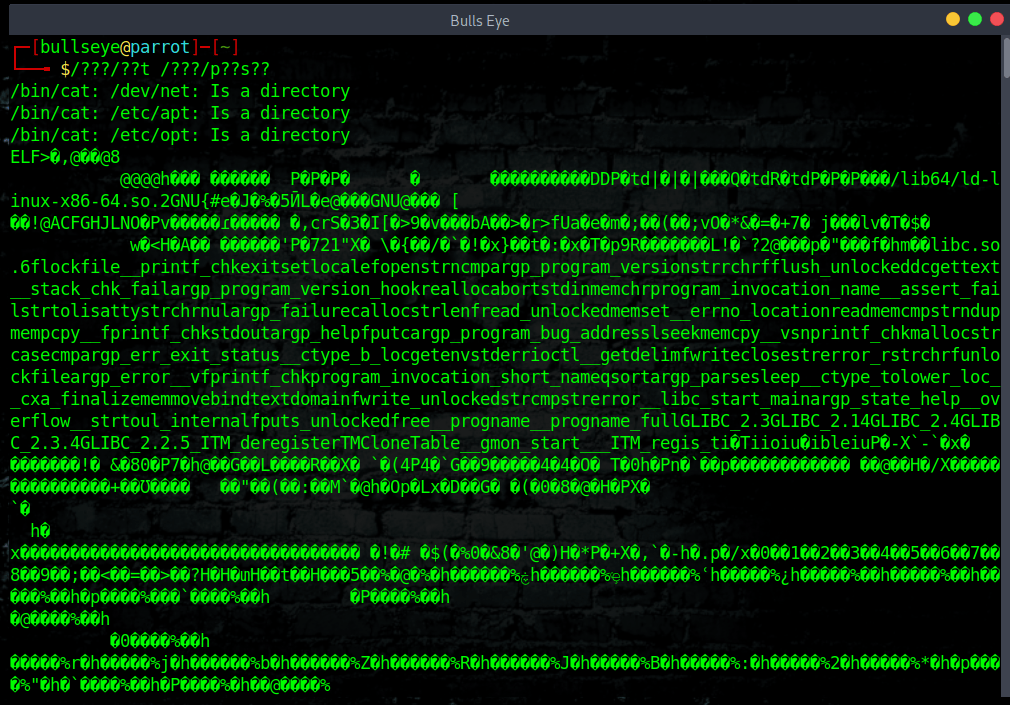
As you can see in the screenshot, there’re 3 errors “/bin/cat *: Is a directory”. This happens because /???/??t can be “translated” to /bin/cat but also /dev/net or /etc/apt , etc…
That screenshot is from 2020. On a machine from 2026 the same command does not end in three errors, it ends somewhere else entirely. This is what /???/??t matches today on Parrot Security 7.3:
| |
Seventeen paths, and /bin/apt comes first alphabetically. The shell runs apt and hands it the other sixteen as arguments, so this is what comes back:
| |
Not your password file.
Nothing was fixed here and no filter caught it. On this machine /bin is a symlink to usr/bin, set on 7 June 2021, which puts all 6280 files from /usr/bin inside /???/. In 2020 the old /bin held a few dozen core commands and cat sat near the front. The technique did not break on security grounds, it broke because Linux tidied up its directories.
One letter more puts it back:
| |
Both sides match exactly one path now, /bin/cat and /etc/passwd, and out comes your passwd file.
| |
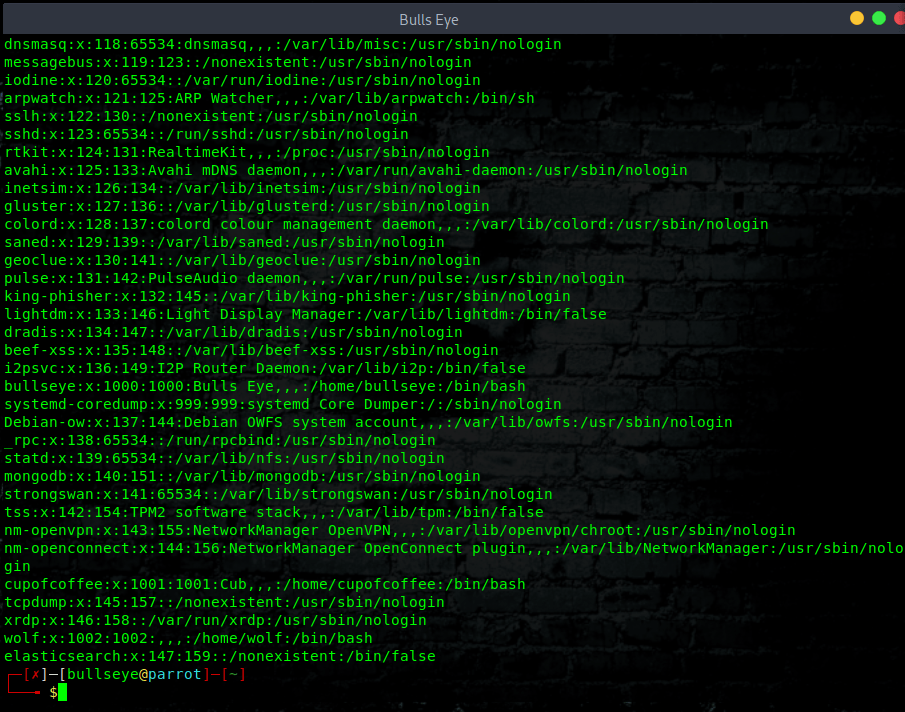
Why do I use The “?” Instead of “*” Because the asterisk (*) is widely used for comment syntax (something like / * I’m a comment * /) and WAF blocks it in order to avoid SQL Injection.
Enumerate files and directories using echo
Install http
| |
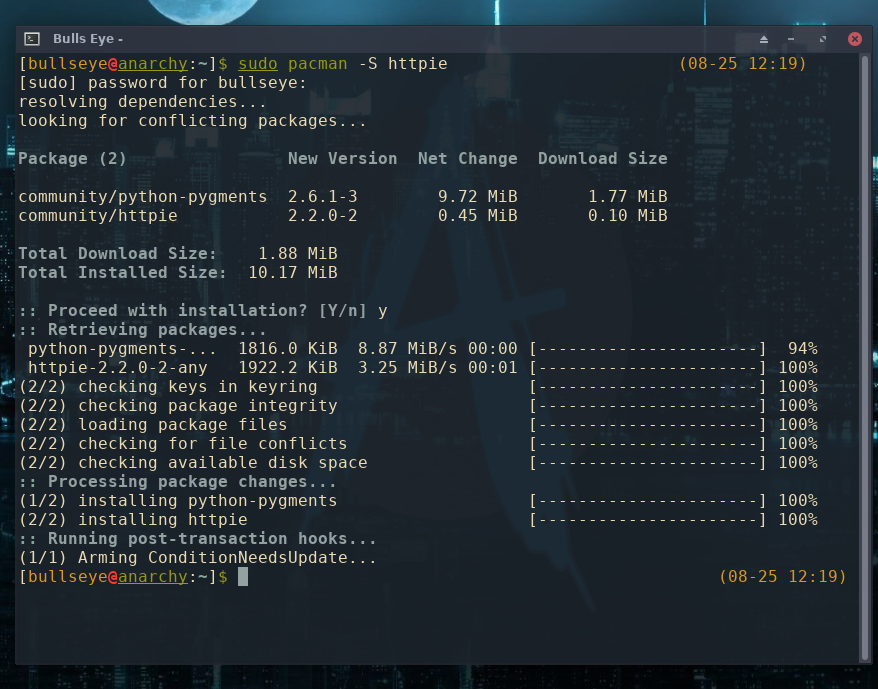
In this image I am using Anarchy Linux
The echo command could enumerate files and directories on a file system using a wildcard. For example:
| |
| |
linux kernel rce vulnerability (Remote Code-Execution)
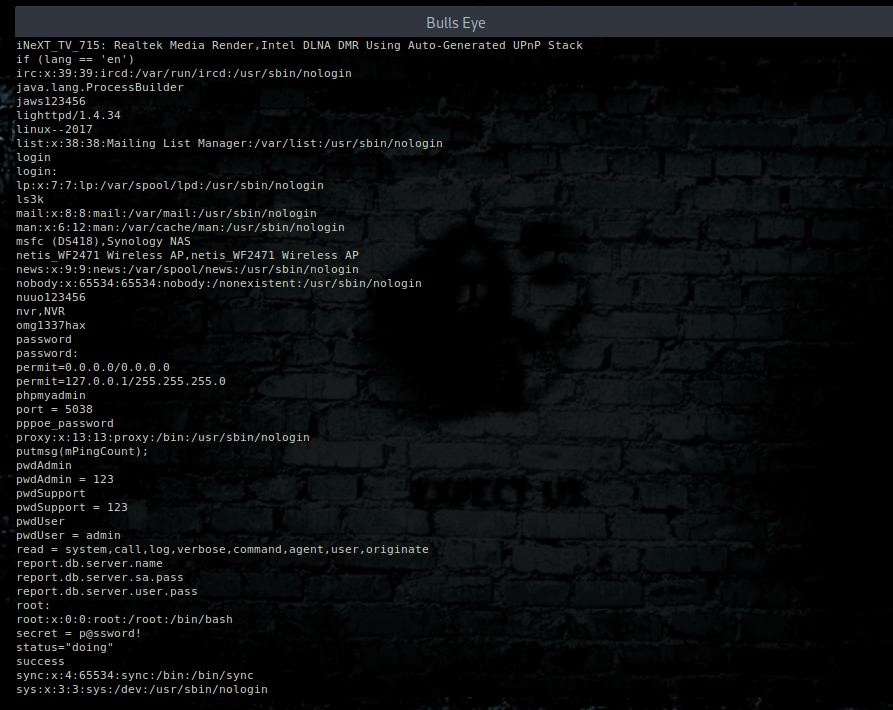
Netstat Wildcard
Netstat uses a asterisk * as a wildcard which means “any”. An example would be
Example output:
| |
Under “Local Address” *, in *:smtp, means the process is listening on all of the networks interfaces the machine has for the port mapped as SMTP (see /etc/services for service resolution). This can also be shown as 0.0.0.0. The first *, in *:*, means connections can come from any IP address, and the second *, in :, means the connection can originate from any port on the remote machine.
Chmod file reference trick
A interesting attack is ‘chmod’. Chmod also has –reference option that can be abused to specify arbitrary permissions on files selected with asterisk wildcard.
Chmod manual page (man chmod)
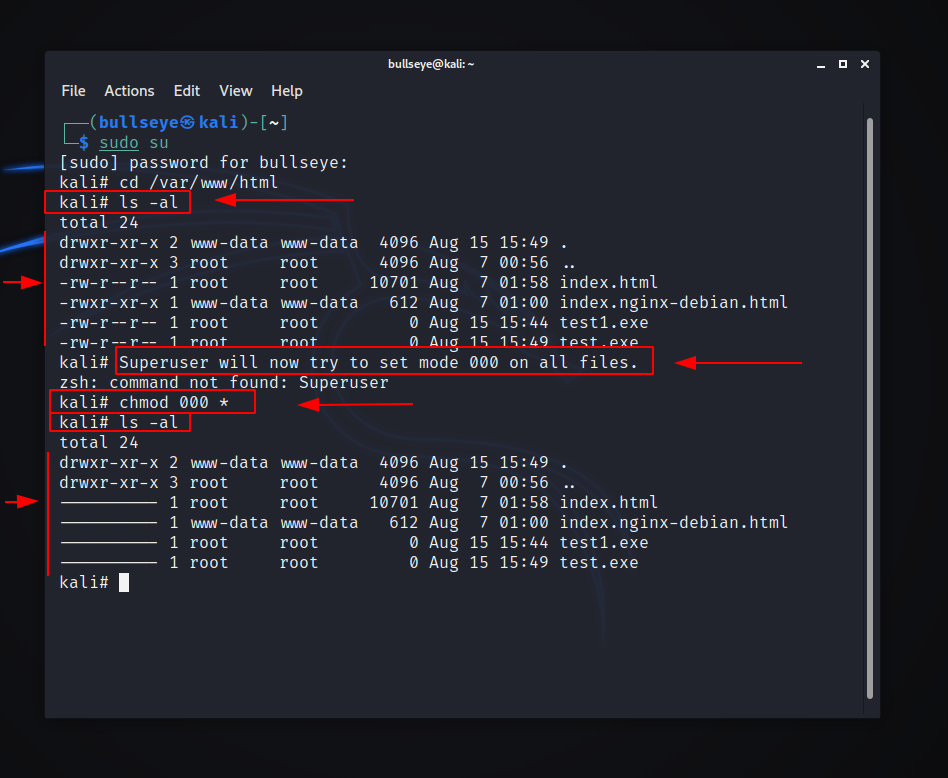
What is happened? Instead of 000, all files are now set to mode 777 because of the ‘–reference’ option supplied through file name.
Beside just –reference option, attacker can also create another file with ‘-R’ filename, to change file permissions on files in all subdirectories recursively.
In the future I would certainly supplement this article, because there is so much to say and write about this.
Open a terminal on the machine you are using now, run the two commands from this article, and count what your own system matches. My Ethical Hacking Complete Course Zero to Expert takes you there step by step: reconnaissance, scanning, exploitation and traffic analysis, hands-on, from your first day with no Linux or hacking background.
→ Join my complete ethical hacking course
Hacking is not a hobby but a way of life.
WANT TO SUPPORT THE WEBSITE
Dear people, I do a lot of things on the Internet and I do it all for free. If I don’t get enough to support myself, it becomes very difficult to maintain my web presence, which takes a lot of time, and the server costs also have to be paid. Your support is greatly appreciated.
Thanks guys ..!
https://paypal.me/hackingpassion
Use the link above to donate via PayPal.
Stay updated
Get the latest posts in your inbox every week. Ethical hacking, security news, tutorials, and everything that catches my attention. If that sounds useful, drop your email below.